October 29, 2025
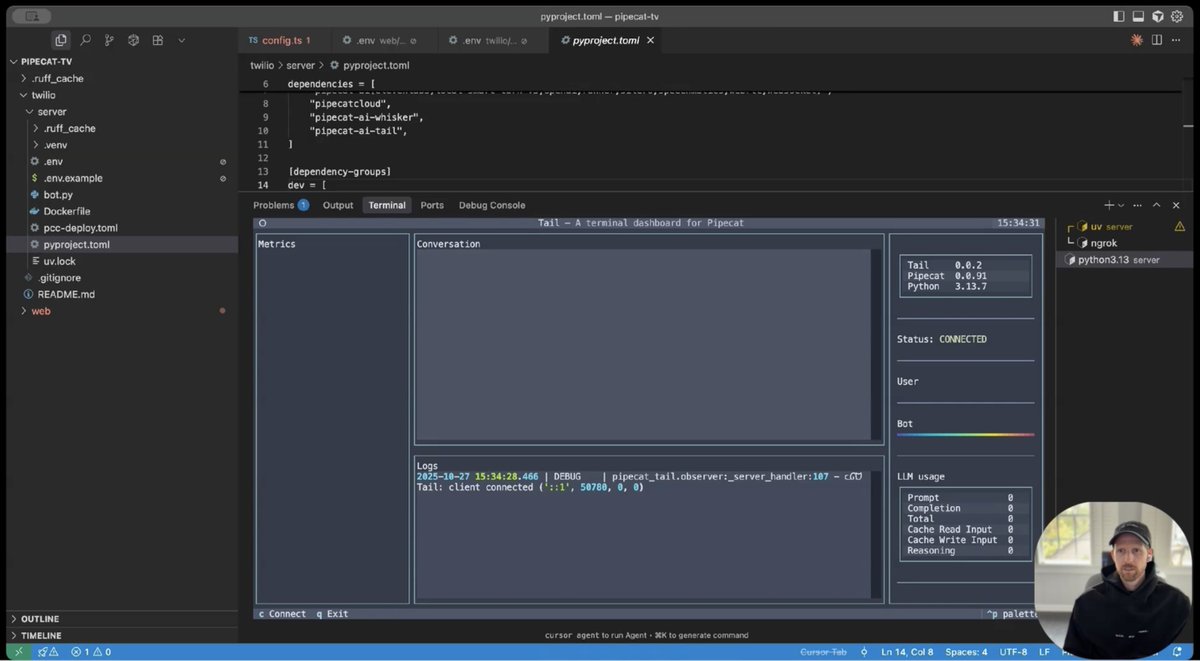
.@mark_backman and @aconchillo walk through a new voice agent CLI they've been working on, in the latest episode of Pipecat TV.
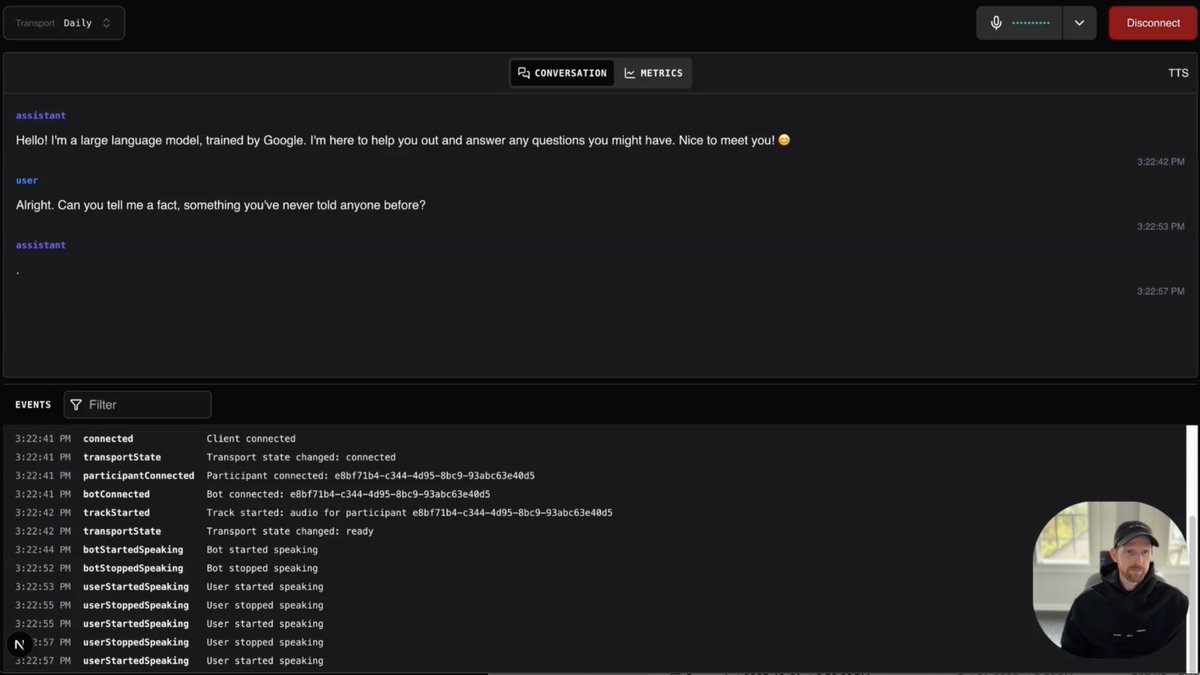
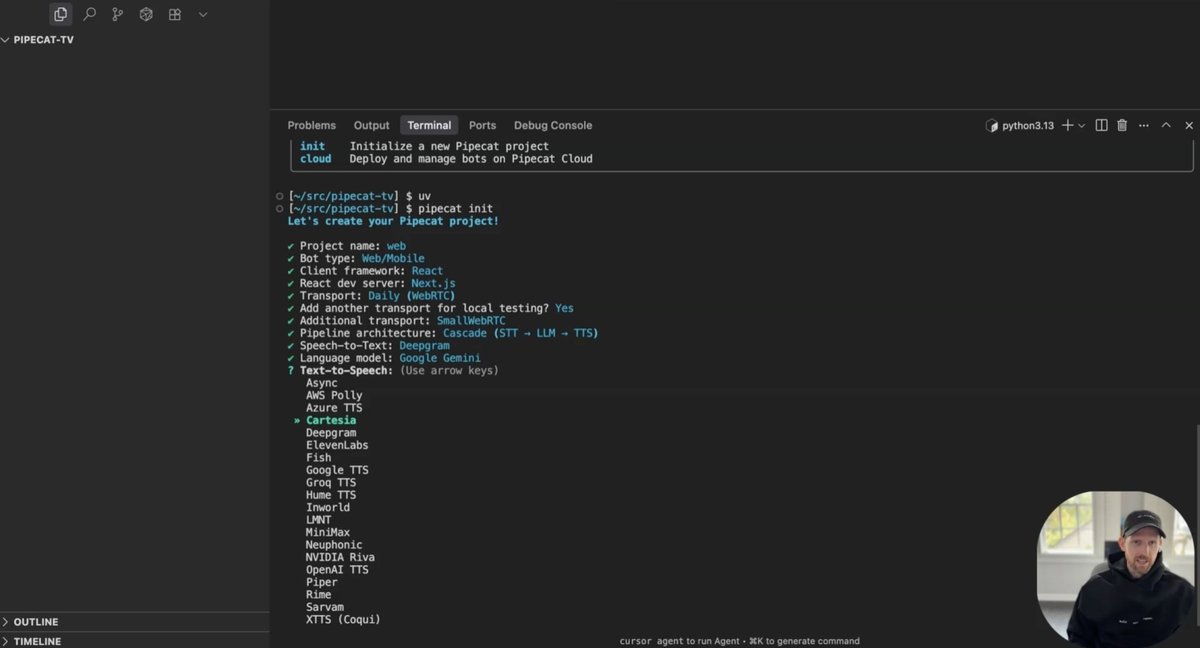
Mark shows using the CLI to build a voice agent in 5 minutes. The CLI guides you through choosing transcription, LLM, and voice models, and configuring functions like recording and turn detection. You can test this voice agent locally and then deploy it to Pipecat Cloud or to your own infrastructure. (And you can wire up phone numbers for inbound or outbound telephony use cases.)
There are a lot of interesting little sub-problems in building a good CLI like this. One thing Mark has been spending a lot of time on lately is finding and fixing the sharp edges that are inevitable when a framework supports 90+ integrations and a very wide variety of use cases. Inevitable, but we want to minimize them! As much as possible, you should be able to change any individual component in your Pipecat pipelines and change little or none of your application-level code.
This is a multi-layered effort:
- Making low-level Pipecat classes as robust as possible.
- Improving the "shapes" of the data types (frames) that are the fundamental abstraction in Pipecat.
- Documenting all component and pipeline APIs. Implicit is dangerous; explicit is better!
- Working with people writing integrations.
On a completely different topic, our Pipecat TV hosts have become quite the t-shirt/sweatshirt connoisseurs. The Google sweatshirts from the recent Gemini x Pipecat hackathon are pretty nice.

Pipecat TV[1]