January 6, 2025
#7 in our series of 25 Multimodal Demos for 2025: Building with Gemini 2.0 and Pipecat
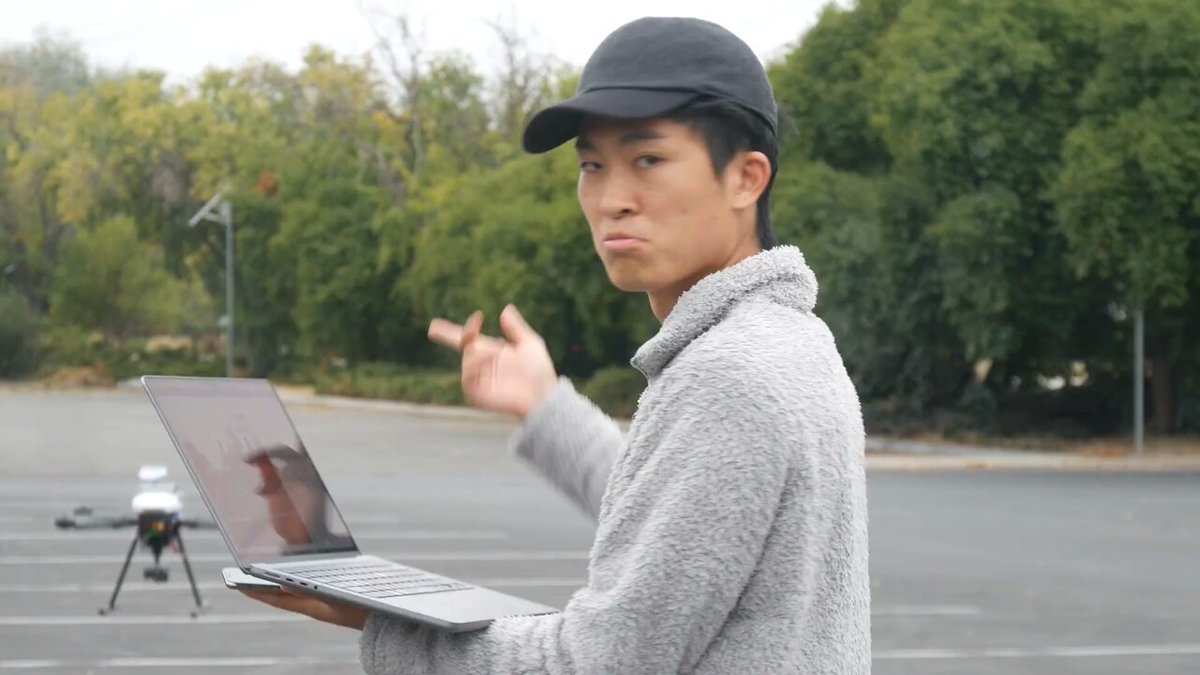
Aerial Intelligence, from @maxwelllwang
Voice-controlled drones with sophisticated instruction following, navigation, object detection and tracking, and more. Maxwell calls this Jarvis in the sky.
Built with @Google Gemini 2.0, @nvidia Jetson, and @pipecat_ai.
You can hear Maxwell laugh to himself, in the video, when he says "start looking for an old USPS truck."
How much fun is it to live in a future where a multimodal LLM can interpret such an incredibly specific, yet open-ended and unplanned, visual query?
Learn more about Aerial Intelligence here:
[1]
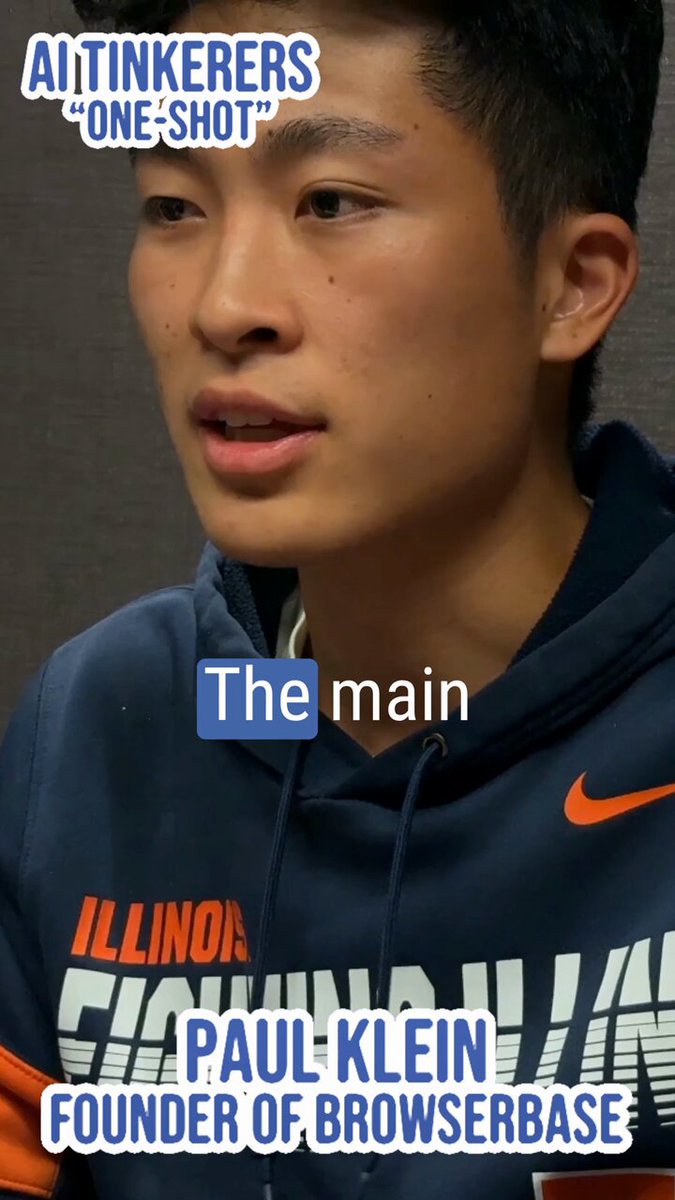
Maxwell is the guest on the latest episode of @jheitzeb's fantastic video series, "AI Tinkerers: One Shot". Watch Joe and Maxwell here:
https://t.co/Vsjy1q8D8b
 Joe Heitzeberg@jheitzeb
In our latest episode, Maxwell Wang, innovator at @SpaceX, explains the key challenges of building drones that navigate the skies. 🌤️
From mapping to weather APIs and air traffic control systems, precision is everything.
🎙️ Explore the full episode of this fascinating
In case you missed them, here are the posts so far in the 25 Multimodal Demos for 2025 series.
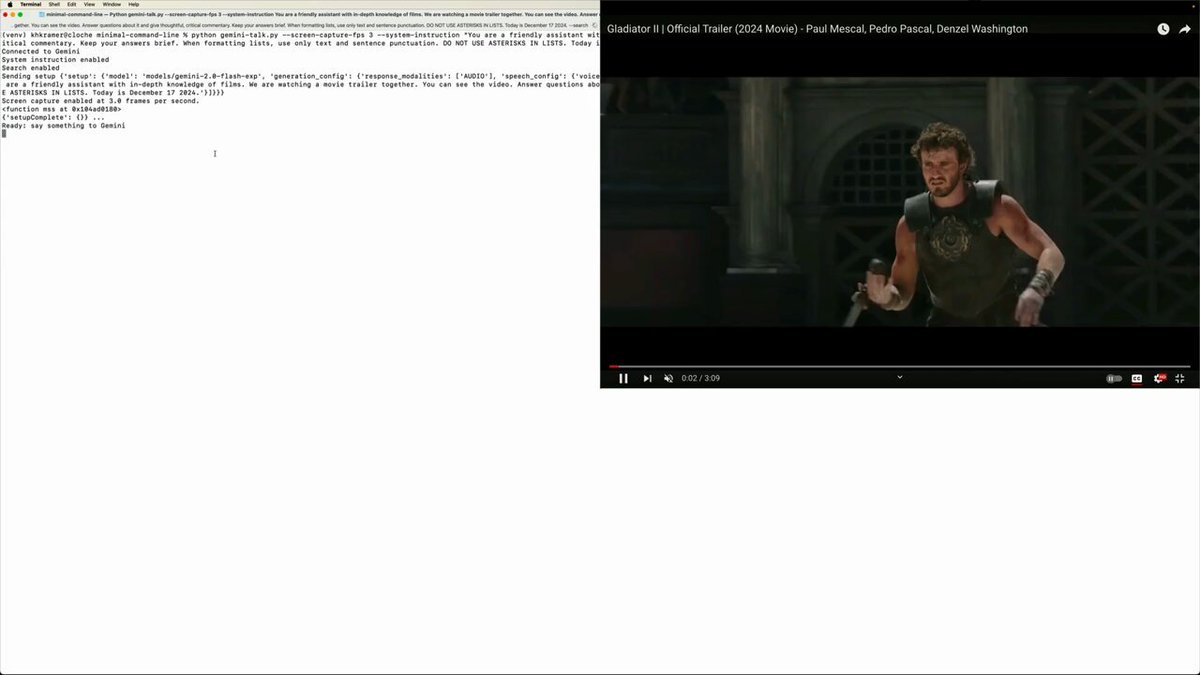
A Python command-line client for the Multimodal Live API, with full feature coverage and documentation.
https://t.co/foOi6OzkRn
"Yeah the trailer does show a gladiator riding a rhinoceros, which is not something you see every day."
A streaming audio+video command-line client for Gemini Multimodal Live ...
Whenever I use a new API, I start by writing the simplest working thing that I can, using as few dependencies as possible.
For the Gemini Multimodal Live API, my "minimal working thing" hack was a very basic command-line client.
After getting audio in and out working, I switched gears and wrote the @pipecat_ai service for the new Gemini API. But I had so much fun with the first hack that I wanted to do more with it.
So, here's a complete Python command-line client for the Multimodal Live API, written with minimal dependencies and lots of comments/docs notes. It supports:
- text, audio, and screen capture video input
- text or audio output
- setting the system instruction
- setting an initial message with a command-line arg
- the grounded search built-in tool
- the code execution built-in tool
- importing functions from a file and automatically generating Gemini function declarations
If you check it out, let me know what you think. Link in the thread below.
Build your own 1-800-GEMINI2
https://t.co/jhvCXUEnYB
Talk to Gemini on your phone ...
Deploy your own Gemini Multimodal Live voice agent that you can call on the phone (or that can call you) in 5 minutes.
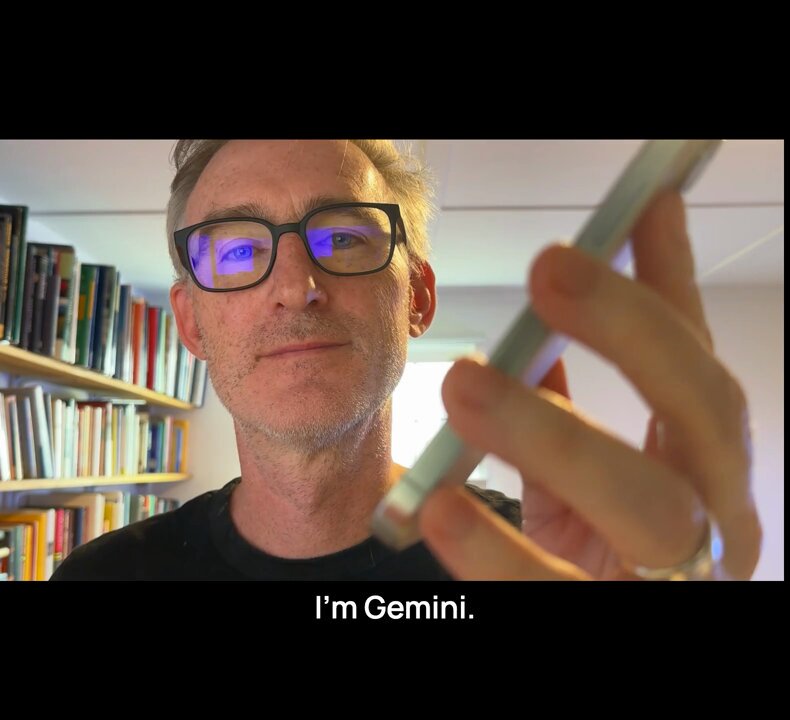
Speaker isolation for conversational voice AI.
https://t.co/atm3AU51Vn
Shockingly good voice agent performance from Gemini Multimodal Live in a noisy environment ...
This is post 3 in our series — 2⃣5⃣ demos heading into 2⃣0⃣2⃣5⃣ ᓚᘏᗢ Building multimodal AI with Pipecat and Gemini
Voice AI agents succeed or fail based on the their real-world interruption handling performance.
The AI needs to stop talking whenever the user starts talking. This is tricky. Background noise, and even background speech, should not trigger an interruption.
@pipecat_ai's Open Source, state-of-the-art interruption handling implementation combines:
— A small "voice activity detection" AI model
— Baselining against a running average of audio volume
— Optionally, audio processing using the excellent @krispHQ audio processing models.
Krisp's models are specialized for background noise filtering and primary speaker isolation.
As you can see in the video, the performance of Gemini Multimodal Live's native audio input + Pipecat + Krisp is truly next-level.
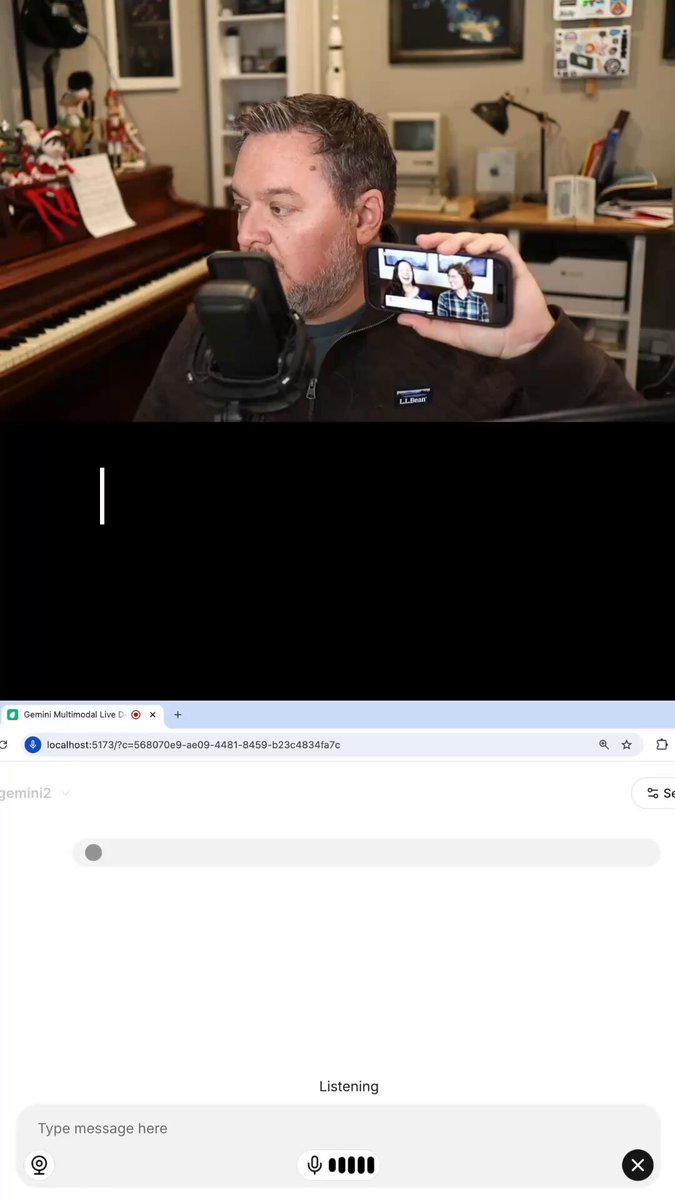
WebRTC for Gemini Multimodal Live - Open Source SDKs for all platforms.
https://t.co/OkkAKhGdrL
Gemini Multimodal Live + WebRTC
Build Gemini voice/video apps with WebRTC SDKs for:
- Web
- React
- React Native
- iOS
- Android
- C++
The SDKs support WebRTC, WebSocket, and HTTP network transport options. Change one line of code to switch protocols.
Here's a simple Gemini + WebRTC app in a single `app.ts` file. (With the Gemini built-in web search tool enabled.)
Read the thread below for more technical details about WebRTC, and for links to repos and docs.
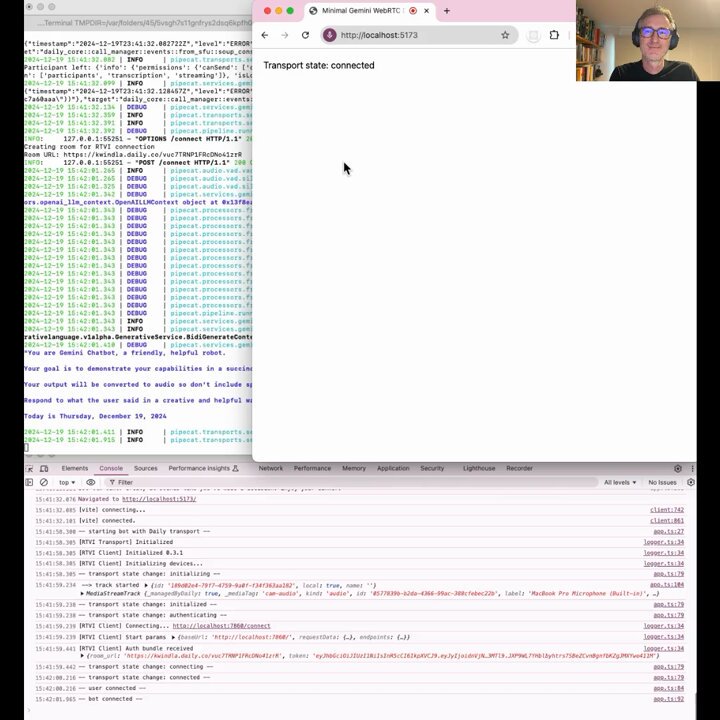
State of the art voice AI turn detection with Gemini 2.0
https://t.co/7G3cnpENMA
Better/faster/cheaper voice AI turn detection with Gemini 2.0
The code that determines when the agent should respond to the user is some of the most important code in your voice AI agent.
The technical terms for this job are "turn detection" or "phrase endpointing."
If the voice AI responds before the user has finished their thought, the conversation is choppy and unproductive. If the AI waits too long, the conversation is slow and frustrating.
There are a number of ways to approach this. You can:
1. Use a fast "voice activity detection" model to detect pauses in speech. Respond when the user pauses.
2. Use a specialized phrase endpointing model that operates on transcribed text, pattern-matching on text semantics.
3. Train a specialized phrase endpointing model that operates directly on audio.
4. Leverage the native audio capabilities of a SOTA LLM like Gemini 2.0.
We've benchmarked all four of these, and Gemini 2.0 currently beats other approaches.
Using Gemini is also cheaper than transcribing the audio separately using a transcription service or model.
Here's a short video showing Gemini phrase endpointing in two scenarios. First, correctly handling pauses in natural conversation. Second, requesting a phone number (which is a common activity in a use case like customer support).
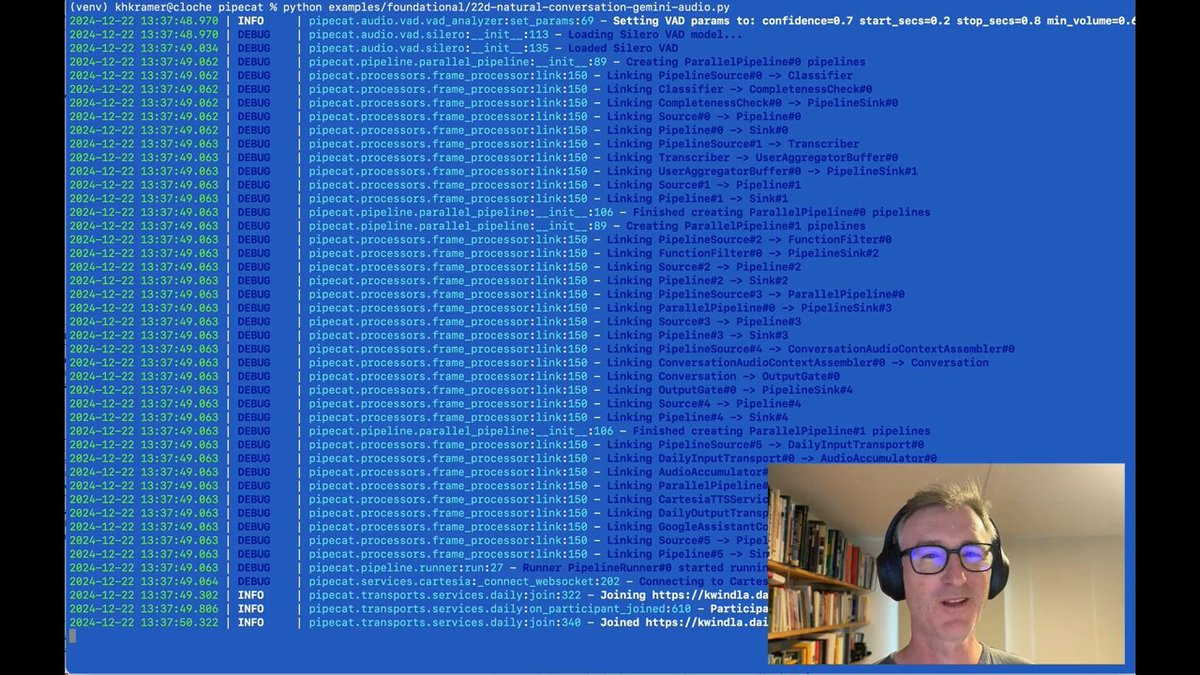
You can see the Completeness check lines in the terminal output, printed each time Gemini processes a chunk of audio.
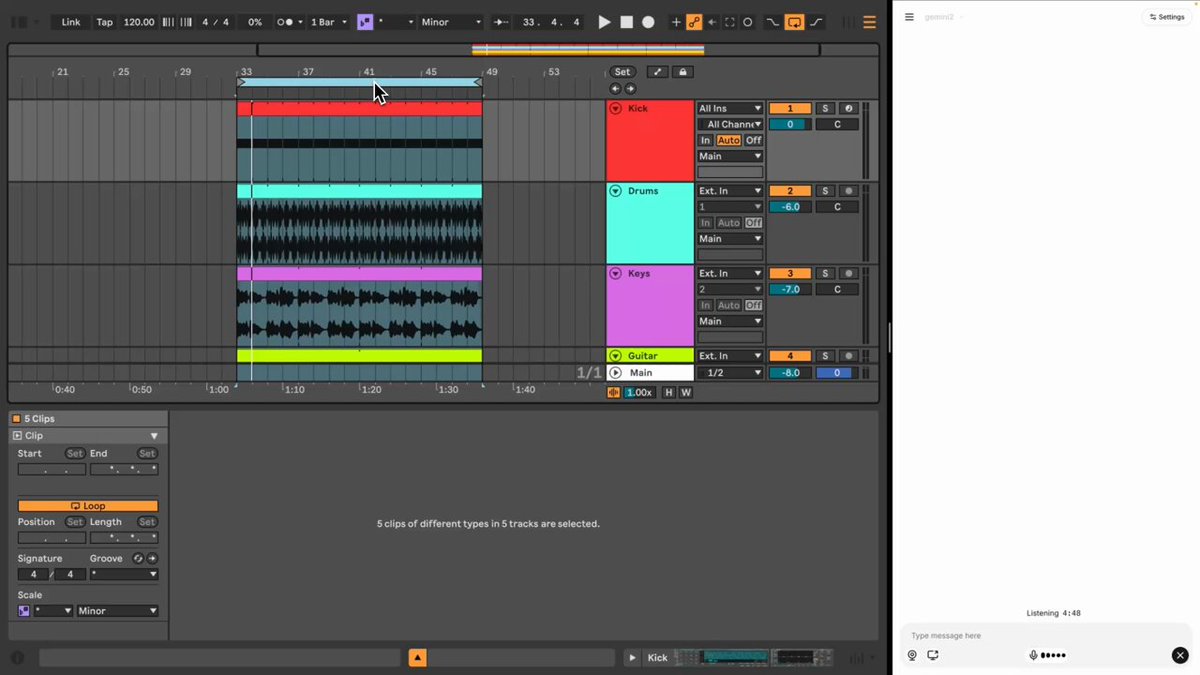
Gemini 2.0 live music production collaboration
https://t.co/QijBemGolU
Gemini 2.0 drops the beat.
Watch the video all the way through — I had four legit "no way it did that" reactions when @JonPTaylor sent this to me.
"It looks like it's only hitting on the first beat of each bar."
This is Jon collaborating with Gemini to create a song in @Ableton Live.
Jon is using the Multimodal Live API to stream audio and video to Gemini and have a conversation about the song he's creating.