 Aleix Conchillo Flaqué@aconchillo
June 7, 2024
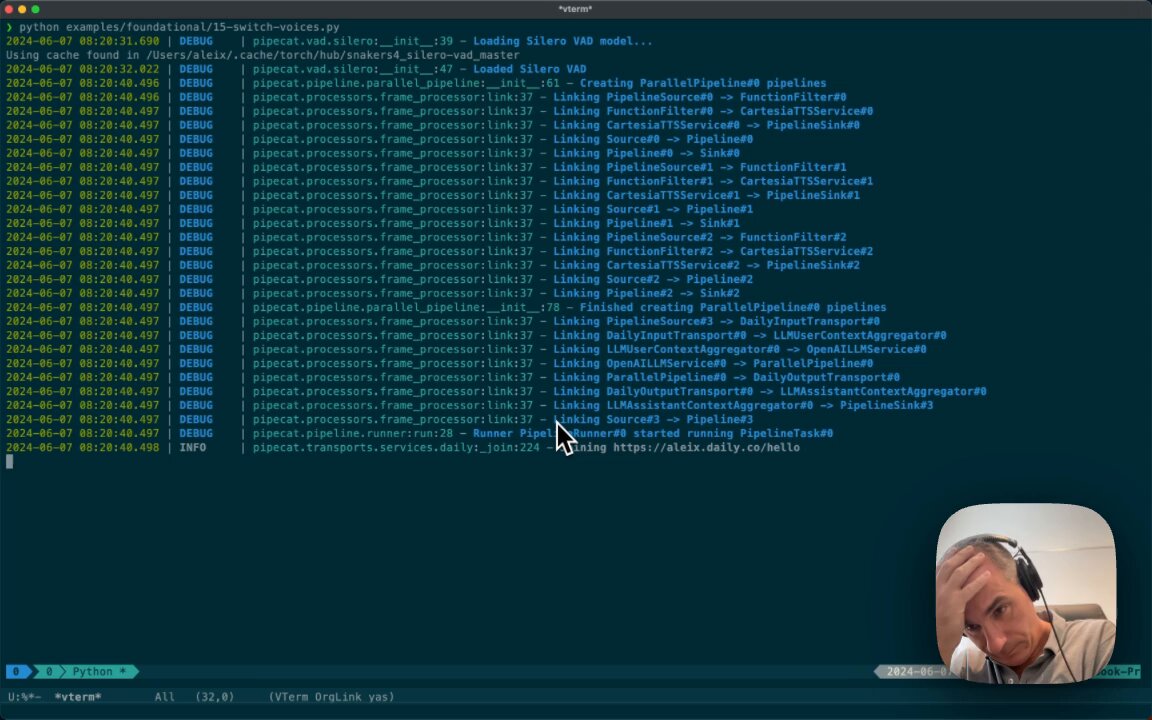
This is a nice demo by @aconchillo of function calling (with GPT-4o). Here, the function calls trigger a simple state change in the voice bot code — switching between different @cartesia_ai voices.
This is also a good example of a small voice UI affordance that has a big impact on the conversational experience. You can ask the LLM to talk to you in a different voice. And you can do that in natural language.
Some other voice UI elements that have an outsized impact on user experience include:
- Being able to interrupt the agent. This is a big one. Handling interruptions well involves input audio processing, being able to cancel inference/output operations that are in flight, and tracking conversation state properly. The agent context should only include LLM output that the user actually heard.
- The agent should be able to answer questions about its UI and what it can/can't do. Example: "is there a mute button?" Lots of prompt engineering iteration is usually required to get this right. LLMs will happily hallucinate answers to questions about UX and capabilities.
- Saying something like "let me think about that" (or playing a sound effect that users can map to that idea) whenever the agent is likely to take more than ~1 second or so to respond. Long response times and varying response times are off-putting.
- Real-time feedback. Indications that mic input is working are helpful. So is real-time transcription of user input and LLM output. You may not want to display text in a voice app, or you may not be able to. (For example, if the LLM interaction is via a phone call.) But doing so can be helpful because it provides the user with more context. That context allows the user to interrupt and try again more quickly and with more assurance when transcription is wrong.
- Automatically pre-configuring transcription keywords and learning from transcription mistakes. If you know the name of the human, make sure the ASR/LLM models "hear," spell, and say the name correctly. Good speech models usually have a way to provide keywords that are likely to appear in the input. You can also include context like a person's name and domain-specific terminology in the LLM system message or initial prompt. Most instruction- and chat-tuned LLMs are very good at "learning from" user responses that correct them when they make mistakes. But prompt engineering based on lots of user testing is also helpful here. If you are far enough along in your LLM-app-building journey that you are creating evals, include instances of the user correcting the LLM in your evals.
The core value of conversational voice is provided by the truly amazing capabilities of today's LLMs. But building a product that people love to use also requires getting lots of little bits of UX right.
Aleix Conchillo Flaqué@aconchilloThe future of Voice AI is definitely talking to a british lady and a barbershop man.
Writing examples with @pipecat_ai is extremely simple and fun! Here's one where you can switch to the voice you want in real-time. @cartesia @OpenAI @trydaily
Code for the demo in the video is here[1]